INSTALLATION GUIDE
Installation
Get started with Docupulse in just a few simple steps
- 1
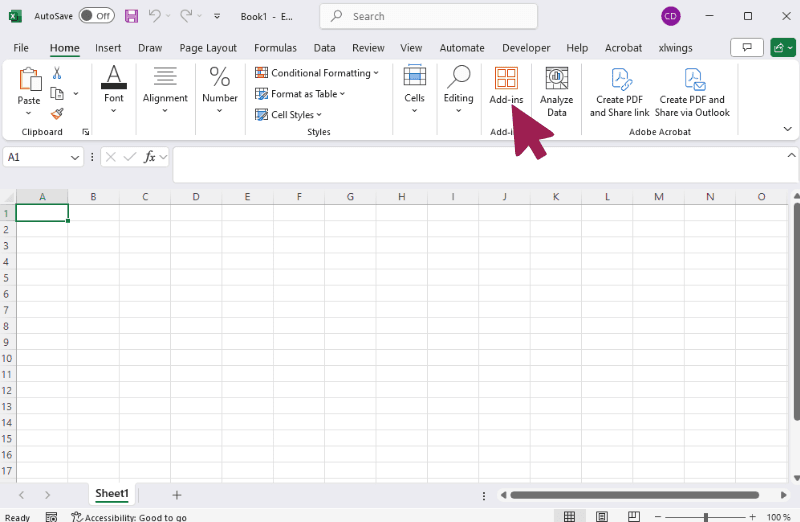
Click on the Add-ins button in Excel
Usually, it is located on the Home tab, but if you are using an older version of Excel, it could be on the Insert tab.
- 2
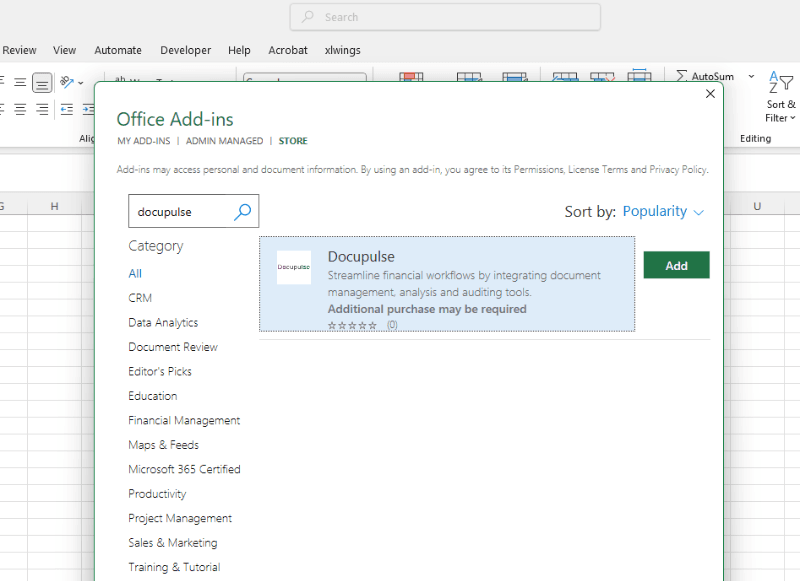
Search for Docupulse
- 3
Click on Add to install
- 4
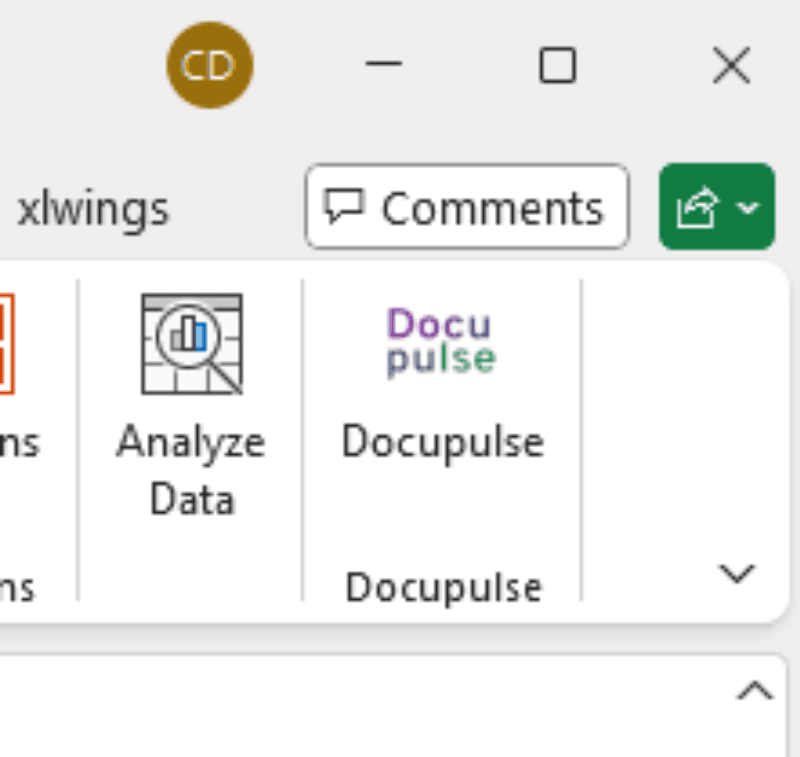
Once installed, a Docupulse button will appear on the Home tab
Using Docupulse
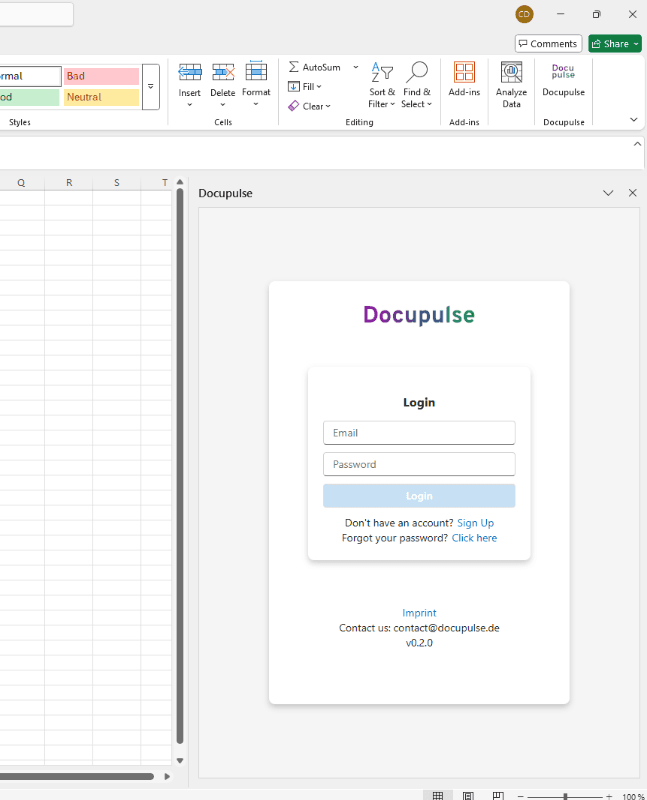
The Docupulse add-in opens as a side pane where you can log in and start using the features. If the pane doesn't show or if you closed it, you can reopen it anytime by clicking the Docupulse button on the Home tab: